WinLine FORM
FORM Designer
Whether digital forms, service reports or more complex business applications: with WinLine FORM, you can design your own solutions directly within WinLine, tailored specifically to your company’s requirements. And all without any programming knowledge.
With the FORM Designer, you can create custom HTML-based forms and applications, link data using the WinLine BI Report Management Tool, and digitally map a wide variety of operational tasks. And thanks to the integrated AI assistant AIDA, this is now even easier and faster.
WinLine FORM is incredibly versatile:

Digital forms
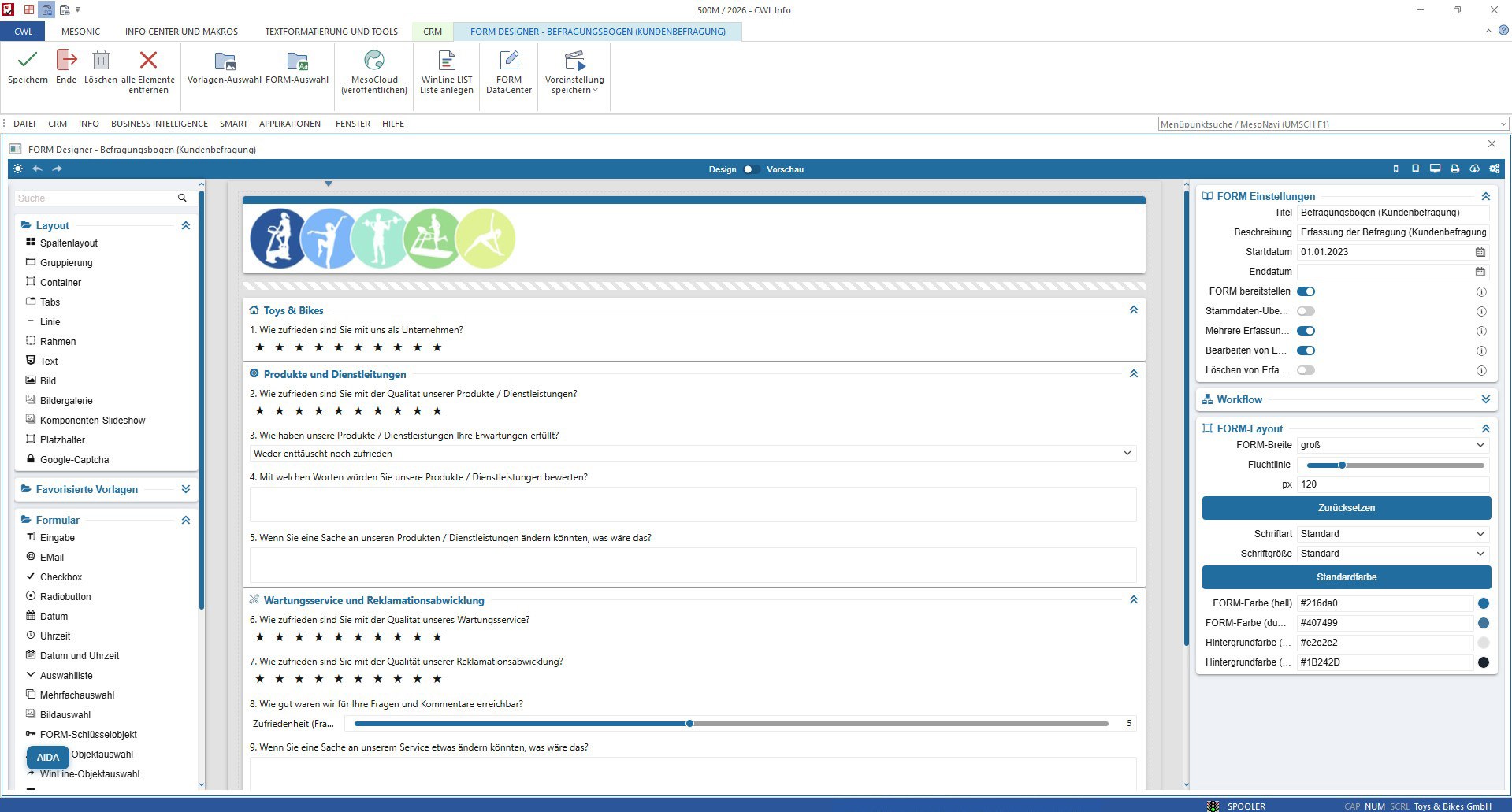
Whether it’s a simple survey or a detailed inspection report – this is where you can record your information in a structured way.
- Surveys (internal & external)
- Satisfaction surveys
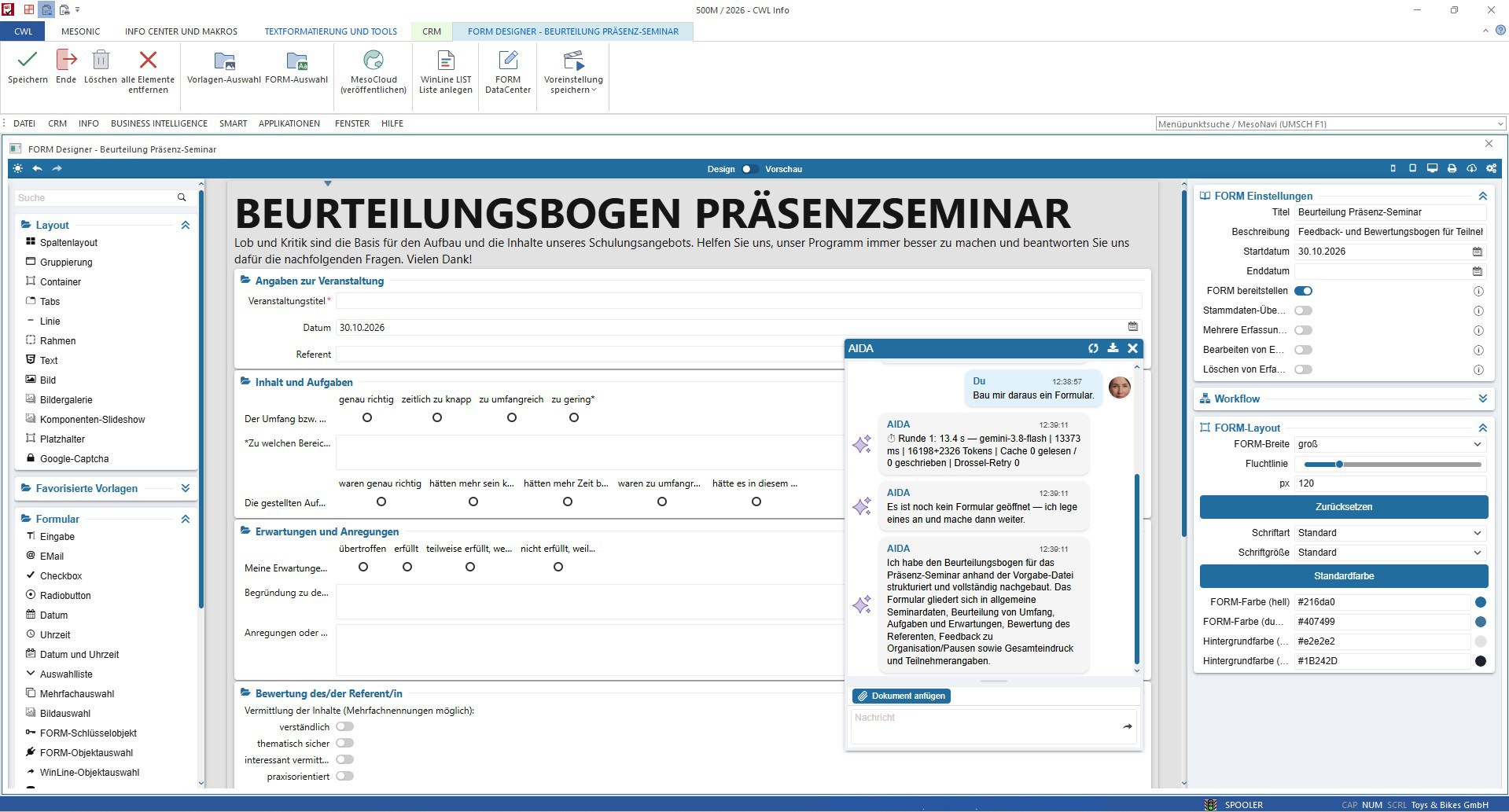
- Seminar and training evaluations
- Tests & examinations
- Service & workshop reports
- Inspection reports

Customised applications
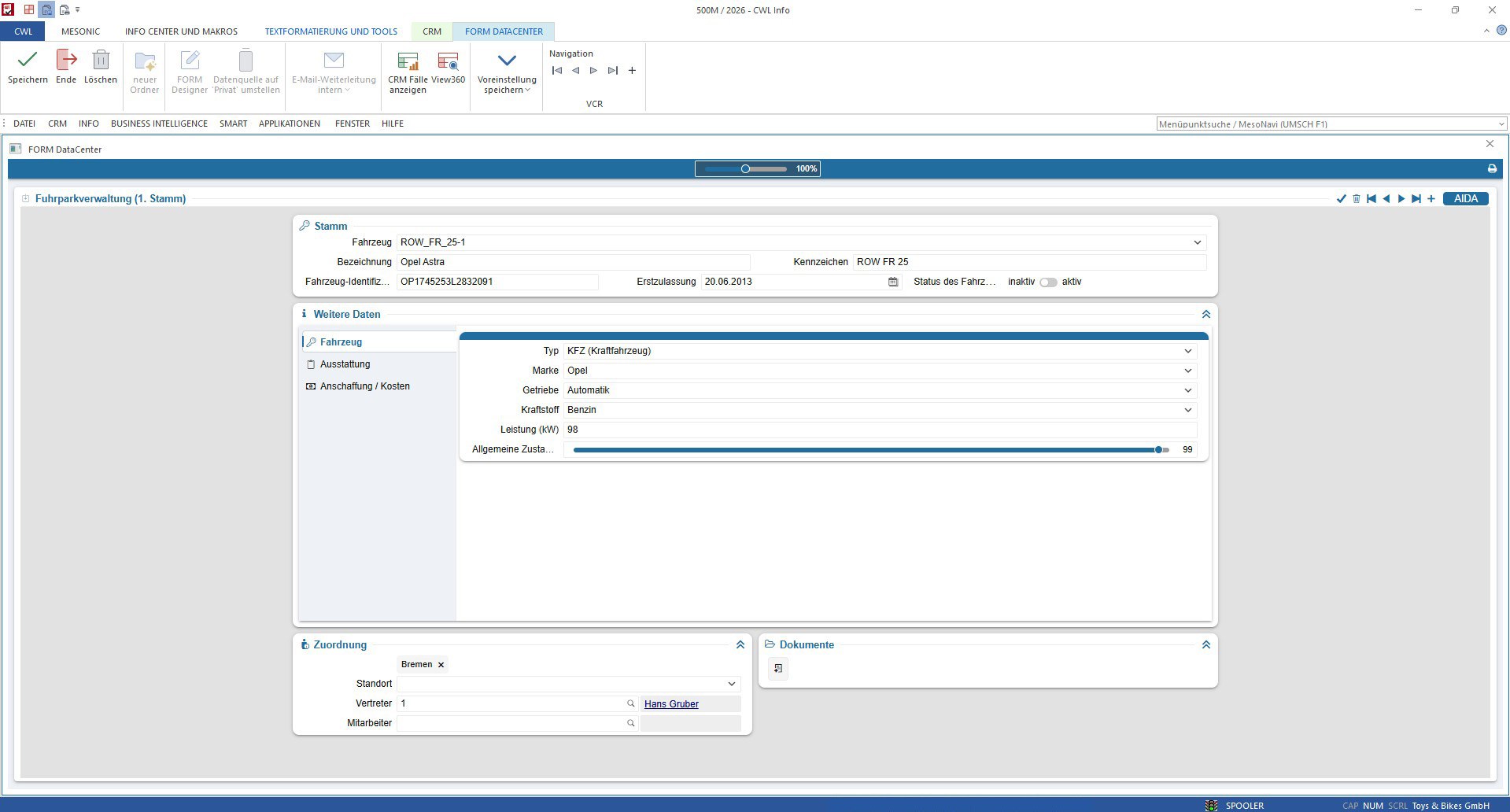
Link related data and tasks, e.g. for managing rooms, events or your vehicle fleet.
- Room management
- Event management
- Vehicle fleet management
- Logbook
- Repair overview
These are just a few of the many possibilities that WinLine FORM offers you. You’ve no doubt already got your own ideas on how to use it to streamline business processes or design bespoke applications for your company.
AIDA – Create your own application even faster with AI support
Do you already have a form that you’d like to use digitally in future? Or an idea for a new application? Then let WinLine AIDA help you!
The integrated AI assistant helps you create custom FORMs in no time at all. For example, upload an existing form as a document and let AIDA generate a suitable FORM from it. Or simply describe in your own words which fields and functions your new FORM should contain. AIDA will take care of the creation for you.
In just a few steps, an idea or an existing template is transformed into a digital solution, which you can then customise and expand in the FORM Designer.
Create easily, customise flexibly and reuse
The WinLine FORM Designer makes creating custom applications particularly straightforward. Using drag-and-drop, you can assemble your forms from the wide range of available layout components and field types and customise them exactly as you wish.
Once created, FORMs can be reused time and time again: in just a few steps, you can turn them into practical templates that you can manage centrally and use later for other applications. This saves time, simplifies editing and ensures consistent structures.
The integrated import and export functions provide even greater flexibility. These allow FORMs to be exchanged and reused quickly and easily.
WinLine FORM - Noch mehr Möglichkeiten
Design flexibly, use anywhere.
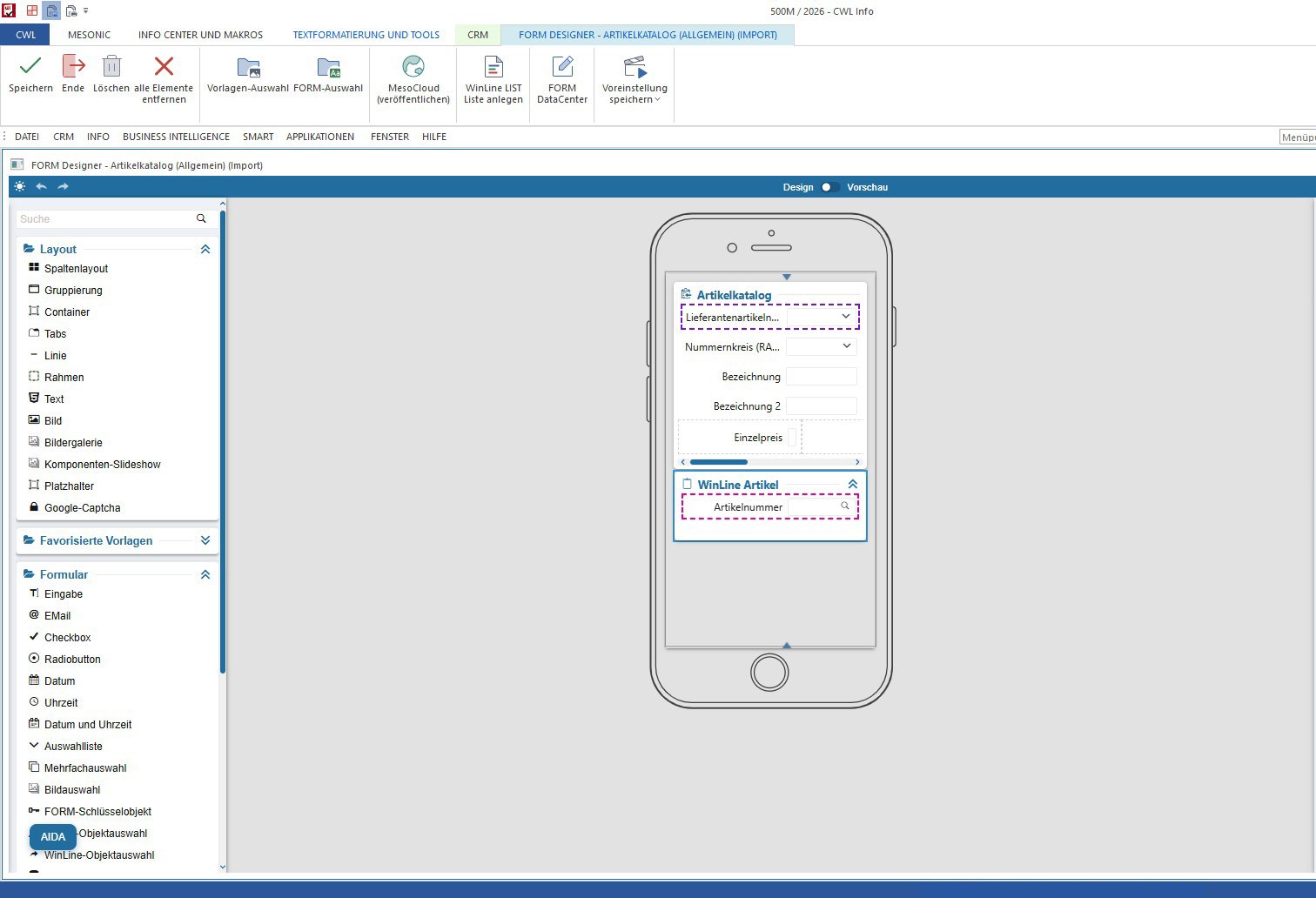
With FORM Designer, you can design your forms and applications exactly as you wish. It is incredibly simple and intuitive to use: you can put together the layout, templates and required form elements using drag-and-drop from the wide selection of layout building blocks in the WinLine FORM module. Thanks to modern HTML technology and responsive design, the applications automatically adapt to the respective screen size and are therefore displayed perfectly on any device.
Particularly handy: the Multi FORM function allows you to combine thematically related forms into a single application. For example, in your fleet management system, you can not only manage vehicle master data but also maintain logbooks, document damage reports and centrally record recurring vehicle costs such as tyre changes or servicing. All clearly organised and conveniently accessible in a single application.
Your apps for everyone who needs them.
Whether for individual staff members, entire departments or external users: with WinLine FORM, you can make your custom-built applications available precisely to the people who need them. You have various options for doing so:
Internal access:
- directly via the WinLine FORM Datacenter for WinLine ERP users
- via WinLine CRM for staff with WinLine CRM user access
- viaWinLine SMART for all staff without WinLine access.
External access:
- You can integrate external users such as customers, guests or visitors into your digital processes via WinLine FLP.
This ensures that the required information and functions are available exactly where they are needed.
Linking and analysing data intelligently.
WinLine FORM offers you countless options for linking data. As well as newly collected data, you can also access existing information from your WinLine system. For example, master and transaction data such as product and customer information, general ledger accounts, projects or even documents can be integrated directly into your applications. Naturally, you can also enter data independently of existing WinLine information.
For subsequent analysis, you have access to the wide range of options offered by WinLine BI - Report Management. You can choose whether to output your data in tabular form, as graphs via the Power Report dashboard, via a cube, or as an Excel spreadsheet.
This allows you to turn the information you have recorded into a valuable basis for your day-to-day decisions.
More than just data collection: easily automate digital processes.
With WinLine FORM, you can not only capture and manage information, but also digitally map entire business processes. In conjunction with the workflow management feature of WinLine CRM, entire workflows can be automated. To achieve this, automated processes are triggered which run through various departments within the company.
A real-world example: an employee enters a fuel receipt via the logbook in your fleet management system. A predefined workflow ensures that this receipt is automatically transferred to WinLine Financial Accounting for further processing.
In this way, individual work steps mesh seamlessly, manual tasks are reduced and your business processes become noticeably more efficient.
Application examples in the WinLine FORM Designer